
How to Search Cases by Name
The Nebraska JUSTICE One-Time Court Case Search is the official statewide name search for Gage County trial court cases. Criminal, civil, traffic, juvenile, and probate matters in Nebraska County and District Courts all sit inside the portal. Enter a party name. Pick Gage County. Add a court type if you know it. The form also asks whether the party is an individual or an entity, and the state's own demonstration shows the individual pattern as last name, first name, middle initial, and suffix when present.
Treat the results as possible matches, not as a replacement for reading the actual court record. Check the caption, case type, party, judge, and attorney details. Then open the matching case and read its Register of Actions. For a common name, narrow with one field. Court type, case year, case type, judge, or attorney will do. The state FAQ warns that County alone cannot serve as the only criterion. A short or empty list settles nothing. A restricted, old, or delayed Gage County case may still exist.
- Open the official JUSTICE form with JavaScript enabled.
- Select individual or entity and enter the party name in the court’s format.
- Select Gage County and use court type or another filter to narrow the list when appropriate.
- Compare the result-list fields and select the matching caption or case link.
- Read the Register from its earliest filing through the newest setting, order, or disposition entry.
| Field label | Type | Required | Gage search note |
|---|---|---|---|
| Party Name | Text | Core name field | Use court-record spelling, spaces, and any recorded middle initial. |
| Party Name is an | Radio | Use when searching by name | Choose Individual or Entity. |
| County | Multi-select | Optional | Select Gage, but pair it with another criterion. |
| Court Type | Dropdown | Optional | County Court or District Court can separate local record routes. |
| Case Year / Type | Selector | Optional | Available values depend on current JUSTICE options and installation coverage. |
Gage County Case Lookup Fields
The JUSTICE search demonstration lays out every filter a Gage County case lookup can use. You can narrow by party name, county, year, court type, case type and subtype, judge, and attorney. Sort order and a client memo are there too. A direct case-number route sits alongside a judgment-date route. The live page does not list every Gage-specific dropdown item in plain text, so trust the selections JUSTICE itself displays rather than guessing at local labels or abbreviations.
How you type a party name matters. Skip a middle initial the record does not carry, and never swap a formal entry for a nickname. An entity search needs the entity option selected. Broad results? Change a supported field and run the query again. That keeps a clean trail from the results list to the docket, which helps when two Gage County cases share a near-identical caption. For a quick orientation, the field demonstration shows the name, county, court, and sort controls in action.
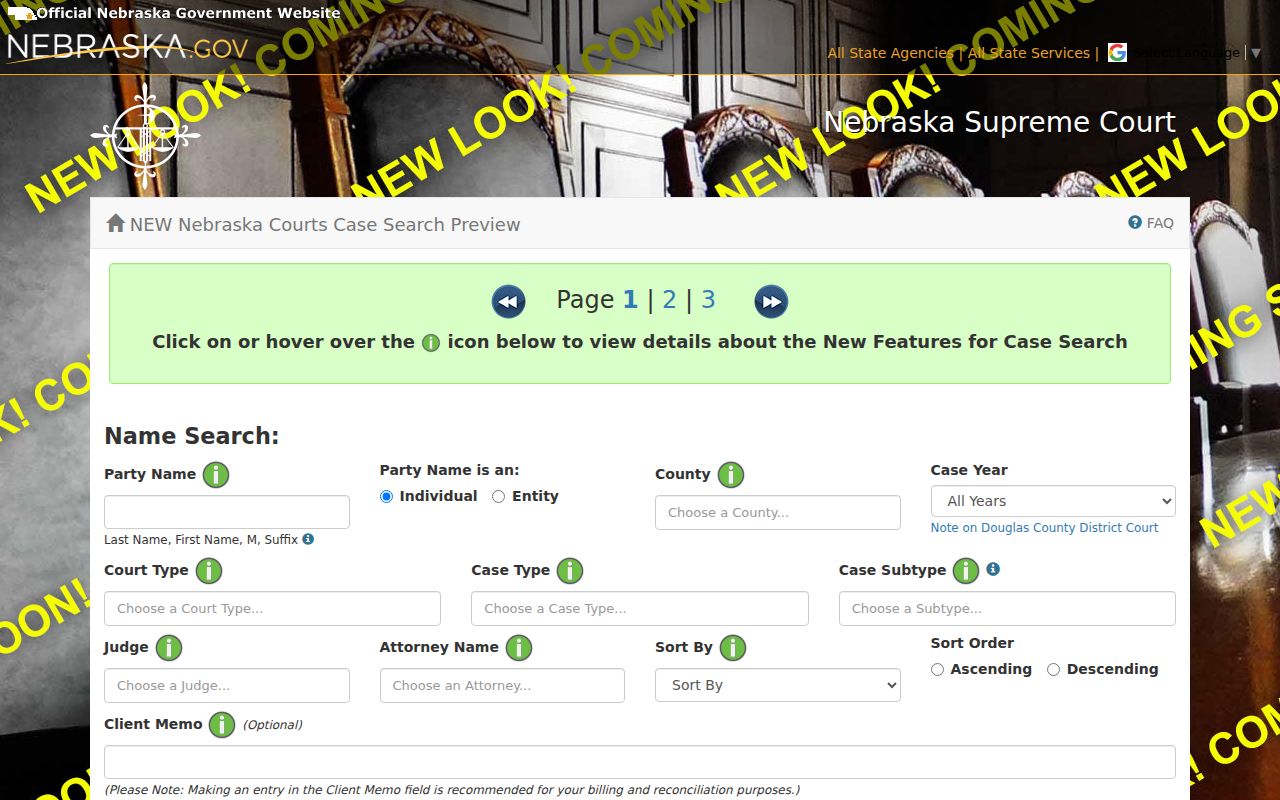
The field layout is a reminder to narrow a Gage result with documented form controls, never by guessing a case type.
Gage County Case Lookup Result Limit
The one-time JUSTICE service returns up to 30 records. A count that hits that limit signals a need for a narrower criterion, not that the first batch is the name's full Gage County case history. Select Gage. Then add the court type, case year, case type or subtype, judge, or attorney field you know. The form lets you refine a broad list while keeping the party name exactly as the court records it.
That 30-record cap applies only to the one-time service's available cases. It does not limit the clerk's ability to identify a specific court-held record. Nor does it limit the courthouse terminal route. With an exact case number in hand, skip the broad name search. Use the direct case-number search. Check the official state service for current payment terms and access limits before buying a one-time search.
Case Number Searches
An exact case number is the most direct route. Copy it exactly as it appears on a court notice, citation, prior order, or JUSTICE result. Keep the prefix, spaces, hyphen, year, and sequence intact. Official Nebraska material offers a state-system example, CR 16-82, but it publishes no complete Gage-specific numbering grammar. Treat that example as a format illustration only. Local numbers may not follow the same pattern.
If a felony seems to stop at the County Court preliminary stage, search the District Court too. The County Court Register can show a bind-over and electronic transfer. The trial-level record carries a different District Court number. A federal case number belongs to a separate court system and has no place in JUSTICE. For civil, criminal, probate, or traffic matters, the court type printed on the matching record is the controlling clue.
Gage County Case Lookup Court Choice
Gage County runs two trial levels. Each keeps its own docket. County Court handles misdemeanors, traffic and infraction matters, city ordinance cases, small claims, probate, guardianship, conservatorship, adoption, juvenile matters, and felony preliminary proceedings. District Court takes over once a felony is bound over for trial, and it also holds major civil matters, domestic relations, mental-health records, and appeals from County Court. Search only one court by party name. You may miss a related case sitting at the other level.
Both offices share the courthouse at 612 Grant Street in Beatrice. Their case records stay separate. County Court sits in Room 17; the District Clerk is in Room 11. The Gage County Court page lists the local County Court categories, and The Gage Clerk of District Court page explains that clerk's docket and case-file duties.
For a broader case search, Nebraska's Court Records Search Policy lays out the public court-record access channels the state provides.
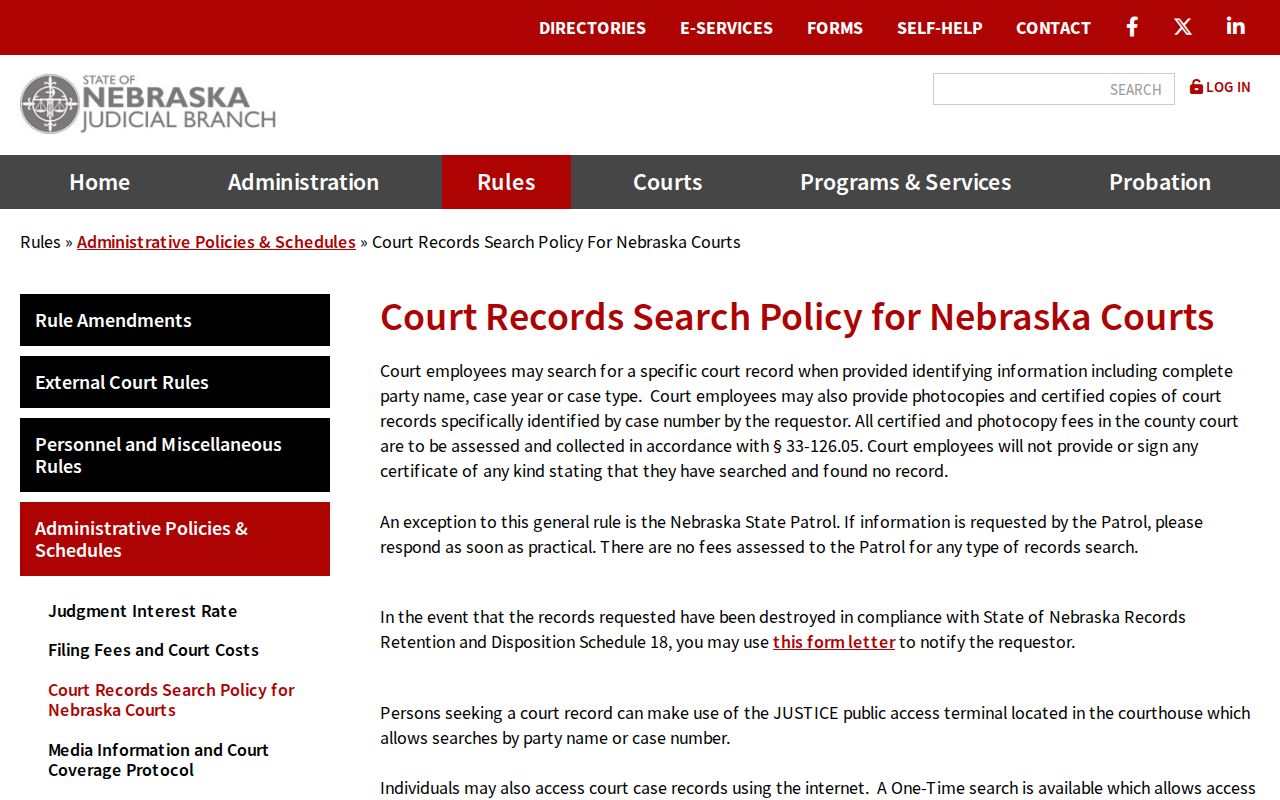
That policy matters most when a Gage lookup calls for a courthouse terminal or a clerk-held record. Another remote search attempt is not the only route.
What a Case Search Shows
A JUSTICE search starts with general results that flag possible matches. Open a case. The view may include the case summary, parties, criminal offense information where relevant, financial information, the Register of Actions, judge notes when available, and linked document images when access permits. Read the Register from the filing forward. It runs in chronological order and is not a single current-status label. A separate calendar or setting block may also appear. It may list the court date, time, location, case number, and caption.
| Case number | The court-assigned identifier used to retrieve the selected record. |
|---|---|
| Caption / parties | The formal title and parties or prosecuting authority shown in the case. |
| Case type | Criminal, civil, probate, juvenile, traffic, or another entered subtype. |
| Register of Actions | Dated filings, hearings, orders, transfers, resets, and other court events. |
| Financial information | Costs, judgments, fines, restitution, payments, or balances where entered; it is not the disposition itself. |
| Images | Clickable document images when available through the selected access channel and not restricted. |
Gage County Case Lookup Cost Layers
JUSTICE charges for access in layers. The current Judicial Branch eServices page lists a one-time search at $17 by credit card for up to 30 records. No document images are included. An older FAQ still shows a different historic amount. Trust the current eServices price before you pay, since the one-time result covers case information rather than a certified copy or an image request.
The subscriber option carries an annual Nebraska.gov account fee of $100. General search result lists are free. Current eServices lists $2 for a case detail or a case-number or judgment-date search. When document images are available, subscribers pay no extra charge after case detail access. A certified copy still comes from the Gage clerk who holds the case. Prices can shift. Confirm them on the current eServices page before using any paid option.
County vs Statewide Case Search
Gage offers no separate county-only public case portal. JUSTICE is the statewide layer, and it becomes a Gage search once you set the County filter to Gage and pick the proper court type. A second statewide tool, the Multi-Court Case Calendar, searches settings by date or party last name for current and future dates. It helps with scheduling. It does not replace opening the case Register itself.
| Access route | What it searches | Best use |
|---|---|---|
| JUSTICE one-time search | Nebraska County and District Court case information, including Gage | A party-name or number lookup with up to 30 one-time results. |
| JUSTICE subscriber/general search | The same statewide trial-court data with paid case detail | Repeated searches, detail, and available images. |
| Multi-Court Case Calendar | Current and future settings for courts using JUSTICE scheduling | Checking a Gage hearing setting against the case record. |
| Gage clerk or terminal | The court record held by the owning court | Older, uncertain, restricted, certified, or no-remote-access questions. |
For a date question, the Gage County court dates page explains how the calendar and the Register work together.
Gage County Case Lookup Terminal Access
The Court Records Search Policy supplies a courthouse JUSTICE public-access terminal. Party-name or case-number searches run during courthouse hours. It is the direct fallback when a remote account is unavailable or the online form fails. It also serves anyone who wants to inspect an electronic public record in person. Inspection is free. Copies are not, and the clerk handles any charged copy or certification request.
The terminal's exact Gage room location and number go unlisted by the official sources. Ask at the correct counter. County Court is in Room 17 at 402-223-1323. The Clerk of the District Court is in Room 11 at 402-223-1332. Confirm which court owns the case before making a request. A felony or appeal can leave records at both levels.
Nebraska's electronic court-record access rules describe what public information flows through the court access channels.
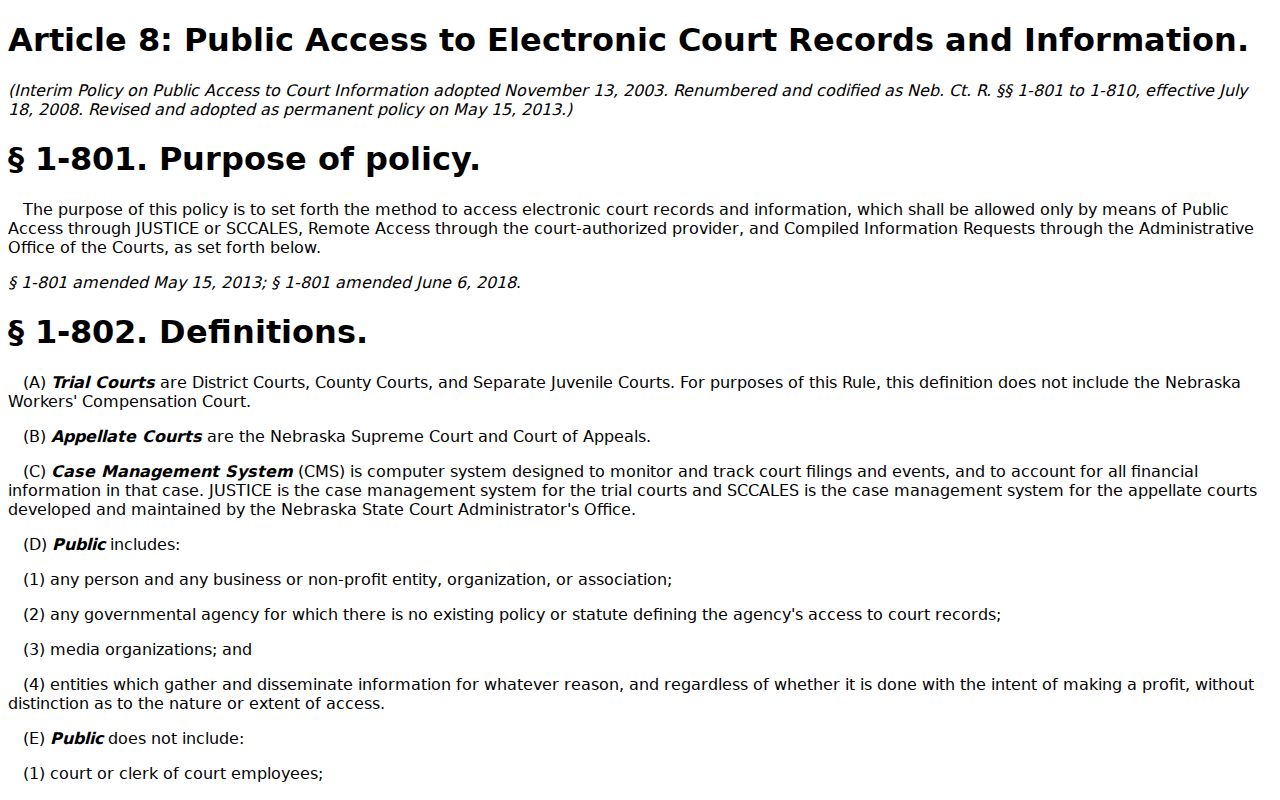
The access-rule reference connects a Gage County terminal search to the statewide public-record framework.
Gage County Case Lookup Old Files
Electronic coverage is not identical across every case type and court installation. Nebraska retention material identifies pre-2000 criminal Registers as alphabetical cards. Current information lives in JUSTICE. So an older Gage case that fails to appear online may be paper, microfilm, archived, or simply outside the coverage. It is not absent from court history. Ask the court that held the matter about archive searching and the record format available.
A written public-record request should name the case number, document, and date. Send it to the office that holds the court record. The Gage County Clerk can forward an uncertain request. But the judicial clerk remains the ordinary docket keeper. Published clerk emails are phyllis.schoen@nejudicial.gov for the District Clerk and sherri.ullman@nebraska.gov for County Court. No dedicated court-copy email form exists.
Nebraska Judicial Branch court-records self-help gathers the state's court-record and sealed-record resources.
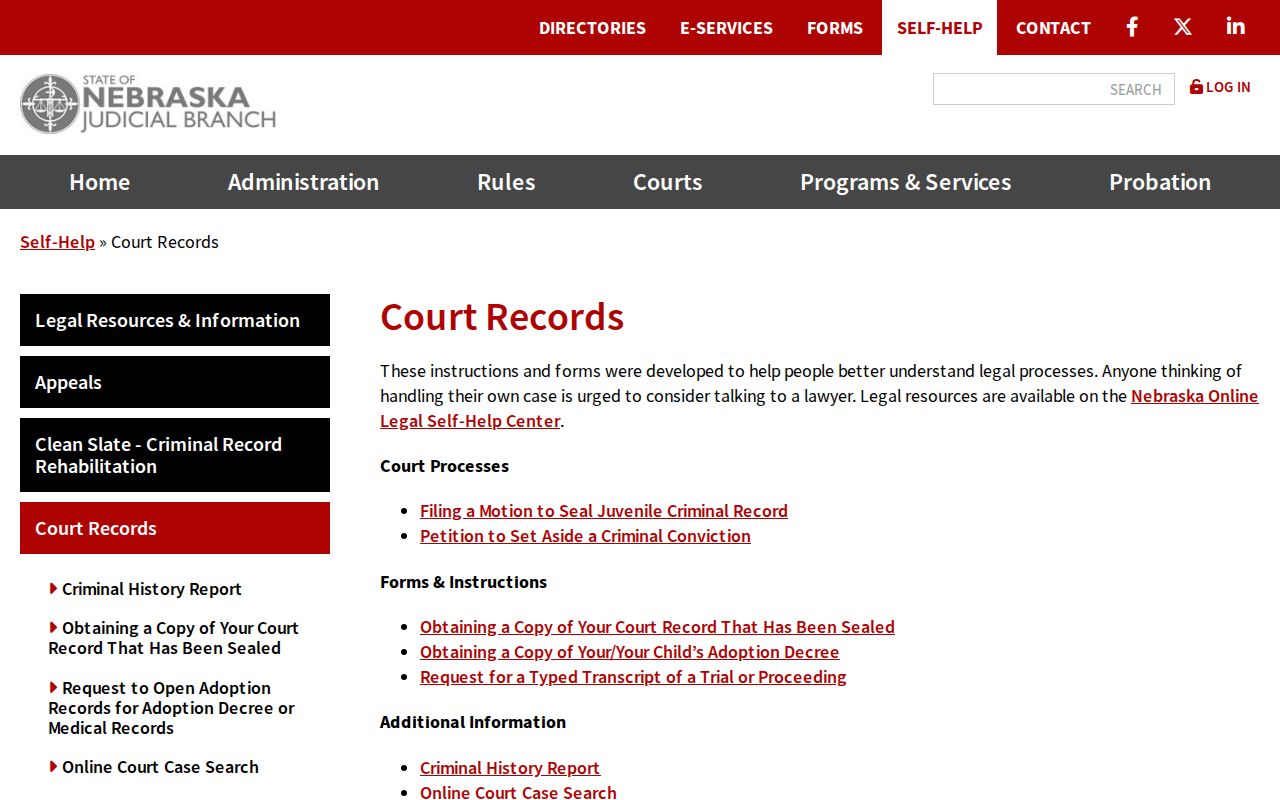
That self-help resource earns its keep once a Gage case lookup points you toward requesting an actual court record. It beats another round of online searching.
Restricted Cases and Access Rules
Most of the Gage County court docket stays open to anyone. Under Nebraska court rules, party indexes, summaries, Registers, calendars, judgment and order information, and available images are public. A law, rule, policy, or court order must say otherwise. There are carve-outs. JUSTICE leaves out Social Security numbers, witness information, sealed material, and juvenile confidential information. A family or juvenile case may show up on the docket listing. Its documents may not. Sealing works differently depending on the record. A juvenile record is sealed through the statutory process. A qualifying adult criminal record can turn nonpublic once the required order is entered and the waiting period has run. The person whose record was sealed requests access through the official DC 1:12 route, following the clerk's identity and cost instructions. Here is the trap. If a Gage case lookup returns nothing, that is not proof the case was deleted, dismissed, or resolved any particular way. Neb. Ct. R. § 2-215 sets out the public-view rule for filings and spells out where restricted material stops.
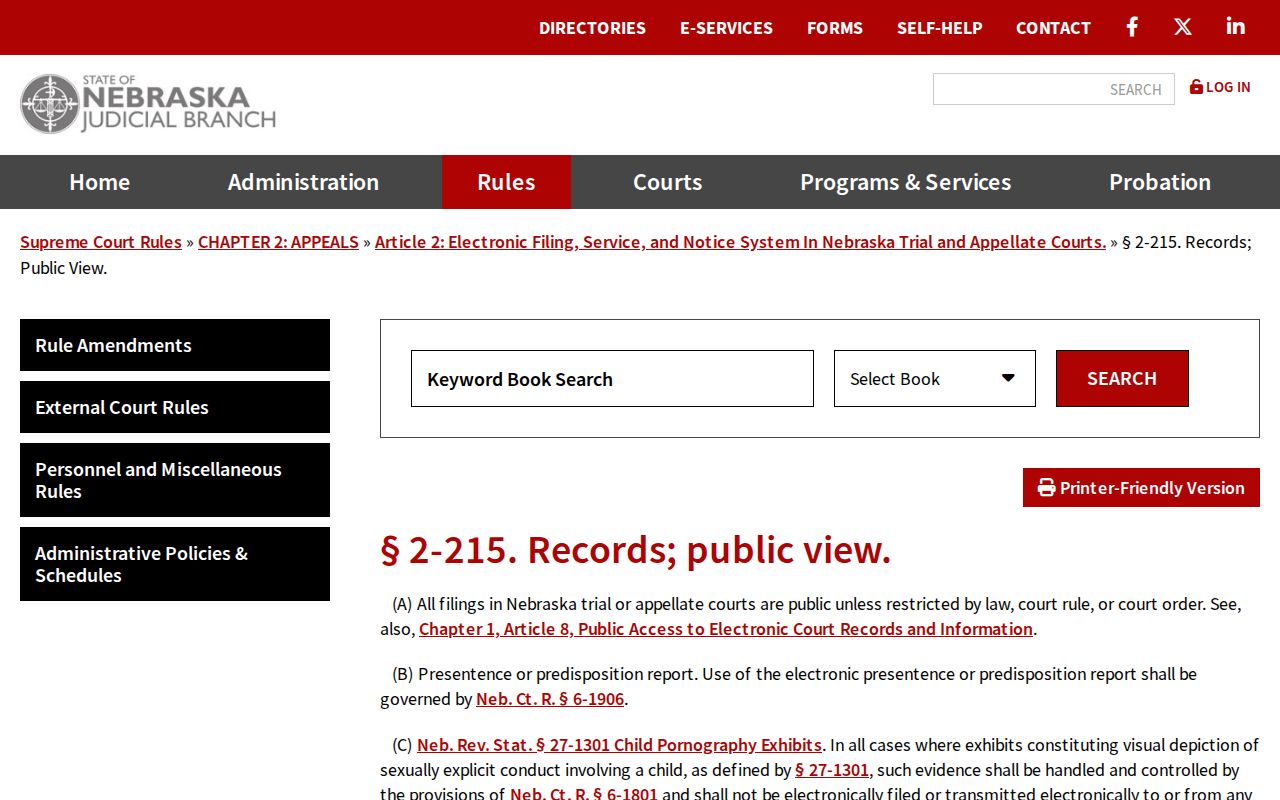
The rule spells out a key point for any docket search. Whether a case shows up depends on the record's access status, not on whether a name search happens to return a result.
Gage County Case Lookup Refresh
JUSTICE refreshes its full listing every night, so the system carries a stated 24-hour lag. A brand-new filing may take a day to surface. So can a fresh image or a recent setting. Court entry habits also differ from case to case, which means some information appears faster than the rest. Before assuming the worst, recheck the spelling, the county, the court type, and the case year. Then ask the case's status. Is it newly filed, restricted, older than the court's electronic installation period, or sitting in paper at the clerk's office? The one-time service returns up to 30 records per search. A common Gage name can blow past that ceiling. When it does, add a narrowing field. Don't grab the first result and call it correct. The public calendar itself warns that an empty result does not rule out a hearing. For the last word on a Gage case date or record question, the owning clerk is the place to confirm.
Gage County Case Lookup Payment Branch
Nebraska ePayments handles money, not research. It processes eligible cases and citations. But it cannot replace a docket search or a look at the Register. One message trips people up. "Case Not Found" can simply mean you picked the wrong payment branch for a waiverable citation. Fix it by going back to the payment choice, or call Gage County Court. Do not read the payment system's reply as a statement about the court docket itself. For understanding a case history, use JUSTICE. For confirming a record or a setting, use the clerk. The payment portal exists for its own transaction. It will not give you a full picture of court filings, orders, or any current hearing.